What Is a Morse Code Image Translator?
When the signal is stored as beeps instead of an image, use the Morse Code Audio Translator to analyze a microphone recording or an audio file.
A Morse Code image translator is a tool that reads dots and dashes and converts them into readable text within seconds. This code can appear in screenshots, photos, digital images, printed worksheets, and scanned documents.
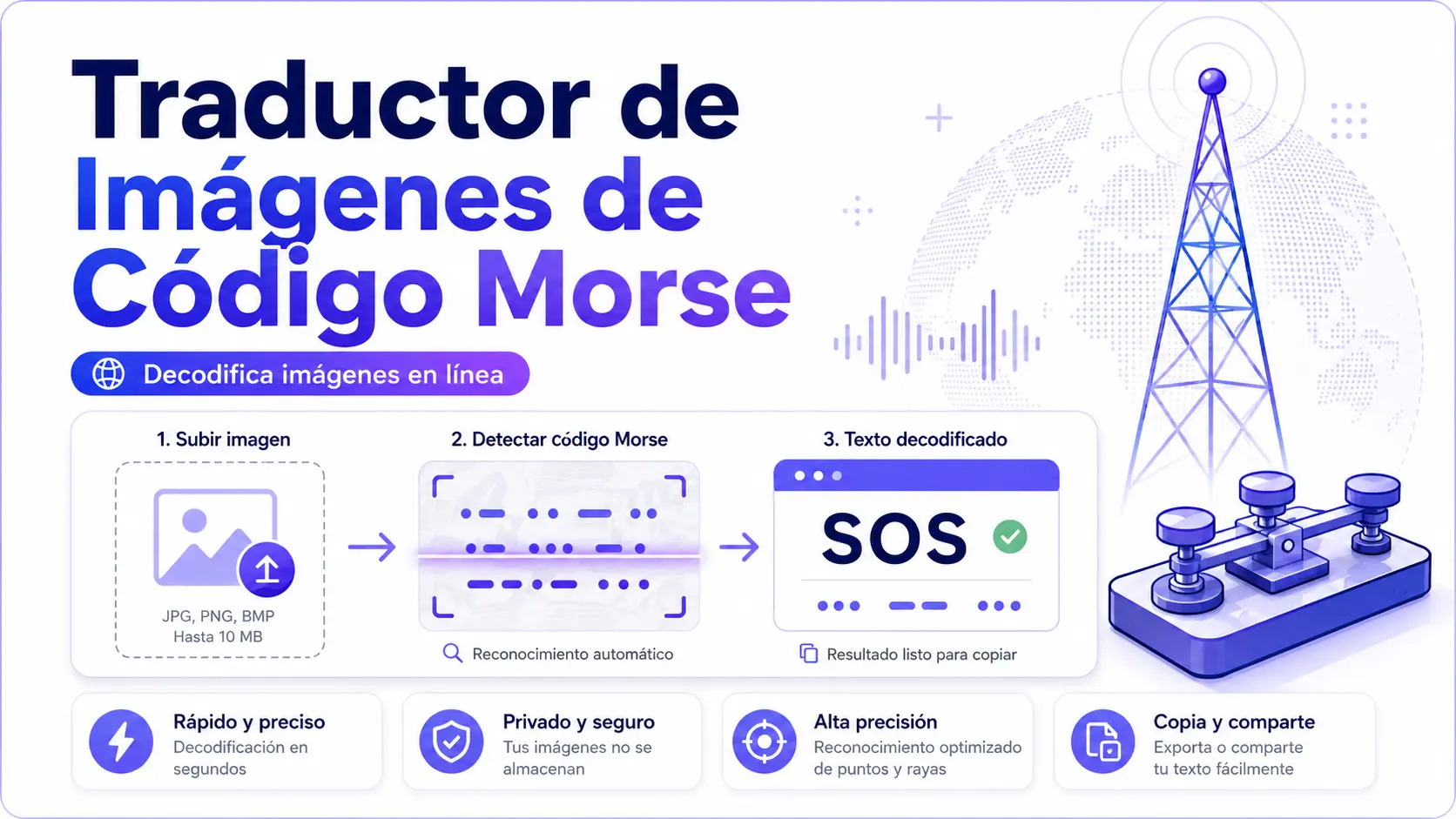
How to Translate a Morse Code Image into Text?
Morse code image translator tool is simple, fast, and easy for beginners to use. This tool runs in your browser, extracts dots and dashes from the images, and converts them into text using the International Morse code standard. You can copy the decoded text or download the result in a supported format, such as TXT.
Here is how the translation process works:
Step 1: Upload an Image
Drag and drop your file into the upload box, or select your image from your device.
Step 2: Instant Translation
The translation tool scans the uploaded image, extracts dots and dashes, and instantly converts it into text.
Step 3: Download the Text
Finally, you can copy the decoded text and download the result as a TXT file.
Features of a Morse Code Image Translator
In addition to basic image scanning and conversion into text, the tool also includes several features that make decoding easier.
- Fast results: The tool can usually decode a clear Morse code image within seconds.
- Multiple image formats: You can upload common image formats such as PNG, JPG, WebP, and BMP.
- Free to use: No need for any credit cards, hidden limits, trials, or plugins; just open the tool and translate the image.
- Privacy-focused: Your image is processed in the browser, so it does not need to be sent to an external server.
- Works on all devices: The tool works smoothly on mobile, tablet, and desktop devices.
- Easy to share: You can easily share the translated message on social media, emails, or study notes.
- Morse code audio: Convert the decoded text into Morse audio and listen to the signal.
- International Morse Code Support: Translate the letters, numbers, and symbols using the International Morse Code standard.
How Does the Morse Code Image Translator Work?
This tool uses client-side processing directly in your browser. Your uploaded image is processed locally, so your data and files are not sent to an external server. This helps keep the tool private and secure.
The translator works in three main steps:
Image Recognition Process
When you upload an image, the tool first prepares it for scanning.
It may adjust brightness, improve contrast, process your image like a document, and analyze the pixel data to identify possible Morse code symbols.
The system then detects dots, dashes, and spaces in the image and converts them into a Morse code text string.
Morse Code Detection
Next, the tool uses a segmentation process that separates Morse code characters. It detects dots and dashes based on their size, shape, and spaces. The scanner uses spaces to identify letter boundaries, while slashes or larger gaps are used to identify word boundaries.
Text Conversion
Finally, the detected Morse code patterns are matched with International Morse Code sequences. Each Morse code sequence is converted into the corresponding letters or numbers to generate readable text from the image.
- Q = − − · −
- X = − · · −
- Y = − · − −
- Z = − − · ·
- SOS = ⋅⋅⋅ - - - ⋅⋅⋅
Supported Image Types (What You Can Upload)
A Morse code image translator supports multiple image formats or sources.
Here are the most common image sources and their expected performance.
| Image Source | Example | Performance |
|---|---|---|
| Screenshot | Mobile or computer screenshot | Excellent |
| Digital images | Downloaded pictures and saved files | Excellent |
| Photos | Morse code picture with camera | Very Good |
| Scanned documents | Old telegrams or printed archives | Very Good |
| Book pages | Printed images or textbook examples | Very Good |
| Handwritten notes | Personal handwritten notes with dots and dashes | Good |
Morse code image translator tool supports multiple formats, but the best formats are PNG and JPG, which retain more detail in an accurate way than heavily compressed versions.
Supported Image Specifications
| Specification | Value |
|---|---|
| Maximum file size | 5 MB per image |
| Best image type | High-contrast, horizontal text on white/light background |
| Morse code standard | ITU-R M.1677-1 (International Morse Code) |
| Recommended resolution | 150 DPI or higher for printed documents |
| Processing location | Entirely in your browser — no server upload |
| Audio frequency range | 400–800 Hz (default: 600 Hz) |
Common Morse Code Words & Translation
Here are some common words and phrases that can be decoded from Morse code images.
| Word | Morse Code |
|---|---|
| SOS | • • • — — — • • • |
| HI | • • • • • • |
| Help Me | — — — — • — |
| Love | — • — • • • • |
| Hello | .... . .-.. .-.. --- |
Who Can Use a Morse Code Image Translator?
Morse Code Translator can be useful across different fields and is designed for a wide range of users. Here are the most common users of Morse code image translator tool.
Students & Learners
Students can extract Morse code from study sheets, textbooks, and alphabet charts to learn faster.
Gamers and Escape Room Designers
Puzzle solvers decode hidden messages from screenshots, escape room clues, game riddles, and ARG puzzles.
Educators and Teachers
Teachers can use Morse code translator tools to check worksheets, quizzes, and classroom activities. They upload images and convert printed lessons and tests (papers) into printed worksheets and check questions and answers faster.
Ham Radio Operators
Amateur radio operators can convert contest logs, references, images, and QSL card text into training materials.
Researchers and Developers
Scanned communication and historical printed documents are decoded into searchable text and used for preservation and new research.
History Enthusiasts
Historical researchers can digitize old telegrams, military communication records, and museum documents.
Aviation & Maritime
Aviation and maritime teams can identify NDB beacon identifiers and navigation signals from printed charts and reference materials.
Morse Code Image Translator Example
Here are simple examples of how Morse code images can be decoded into text, and how Morse code image-to-text conversion looks in practice.
| Label | Uploaded Image in Morse Code | Decoded Result |
|---|---|---|
| Greeting Word | …. .. | Hi |
| Emergency Signals | ... --- ... | SOS |
| Requested Word | .... . .-.. .--. / -- . | Help me |
Note: Many images use “/” to show where one word ends and the next begins. In standard Morse code, words are separated by a longer space, not a slash. However, both methods are commonly used in puzzles and printed guides.
Keep in Mind:
Phrases such as “Help me” often use a slash (/) to separate words, which represents the end of one word and the start of the next. However, both methods with and without symbols are commonly used in puzzles and printed guides.
Tips to Get the Best Morse Code Image-to-Text Results
Follow these tips to get more accurate Morse code image-to-text results.
- Use high contrast and a clear picture
- Use black dots and dashes on a white background
- Use good lighting
- Upload the full Morse code sequence
- Avoid edge cropping
- Separate letters with spaces
- Use PNG or JPG format
- Keep your image private when possible
- Use the share link only when you want to share the decoded result
Morse Code Image Translator Timing Rules
A Morse code image translator tool depends on accurate spacing and timing rules. These rules play an important role in accurate image-to-text translation; if the timing or spacing is inconsistent, the result may be incorrect.
When you translate an image into text form, follow the exact timing given below:
| Element | Duration |
|---|---|
| Dot | 1 unit |
| Dash | 3 units |
| The gap between signals within a letter | 1 unit |
| Gap between letters | 3 units |
| Gap between words | 7 units |
Common Problems in Morse Code Image Translation
A Morse code image translator can produce errors when the image is unclear or poorly formatted. So, you should be careful when you translate an image into text and should avoid these mistakes, which are given below:
- Image too blurry or low resolution
- Extra UI elements, borders, or colorful backgrounds
- Missing spaces or overlapping characters
- Low contrast colors
- Decorative marks
- Slow internet connection while loading or uploading the image
- Unsupported image format like TIFF, HEIC, or RAW files
Morse Code Image Translator Decoder vs. Manual Decoding
Morse Code Image Translator tools and manual decoding are both useful, but they work differently. The Morse Code Image Translator is fast and best for reliable results. It saves time by decoding long messages within seconds.
On the other hand, manual decoding is better for learning and practice because it helps users understand Morse code patterns.
Let’s compare Morse code image translator tools and manual decoding:
| Factor | Image Decoder Tools | Manual Decoding |
|---|---|---|
| Speed | Fast (Seconds) | Slow (Minutes to hours) |
| Accuracy | High with clear images | Depends on your experience |
| Cost | Free | Free, but time-consuming |
| Effort required | Very low | High |
| Knowledge needed | None | You must know Morse |
| Best for | Reliable results | Learning and practice |
| Long messages | Easy | Time-consuming |
International Morse Code Chart
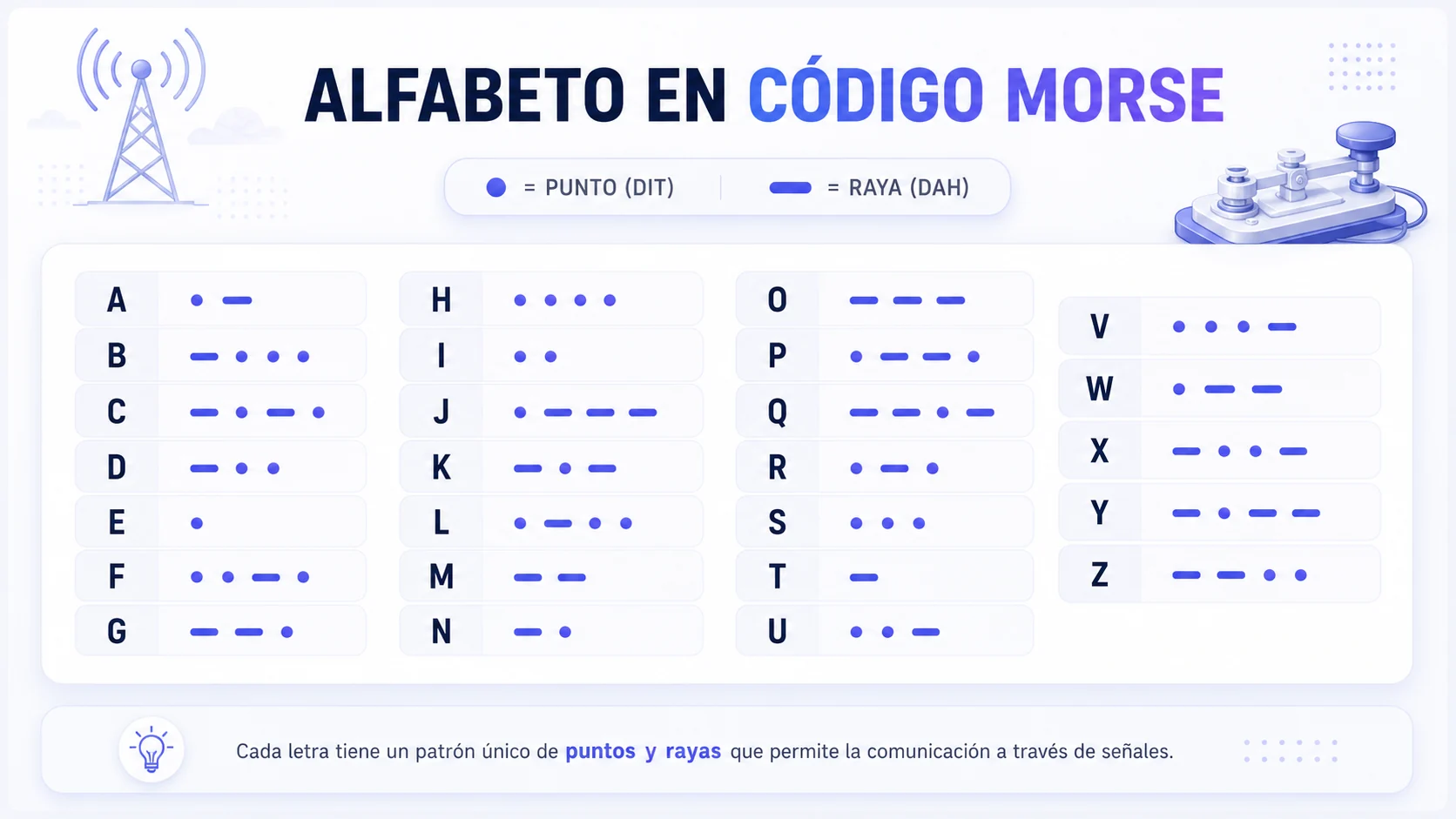
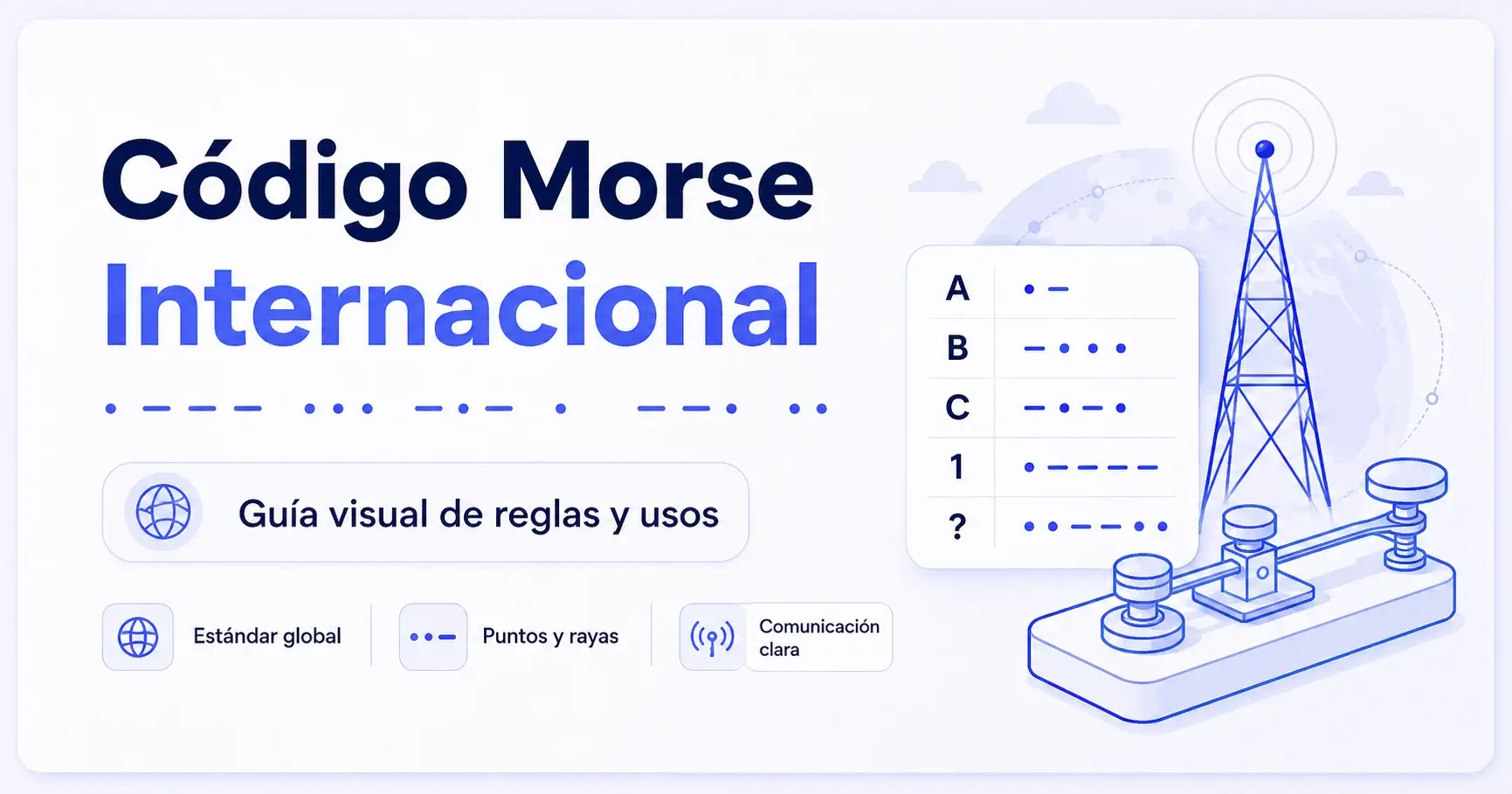
Here’s a quick chart of the letters and numbers used in International Morse Code:
Letters (A–Z)
| Letter | Code | Letter | Code |
|---|---|---|---|
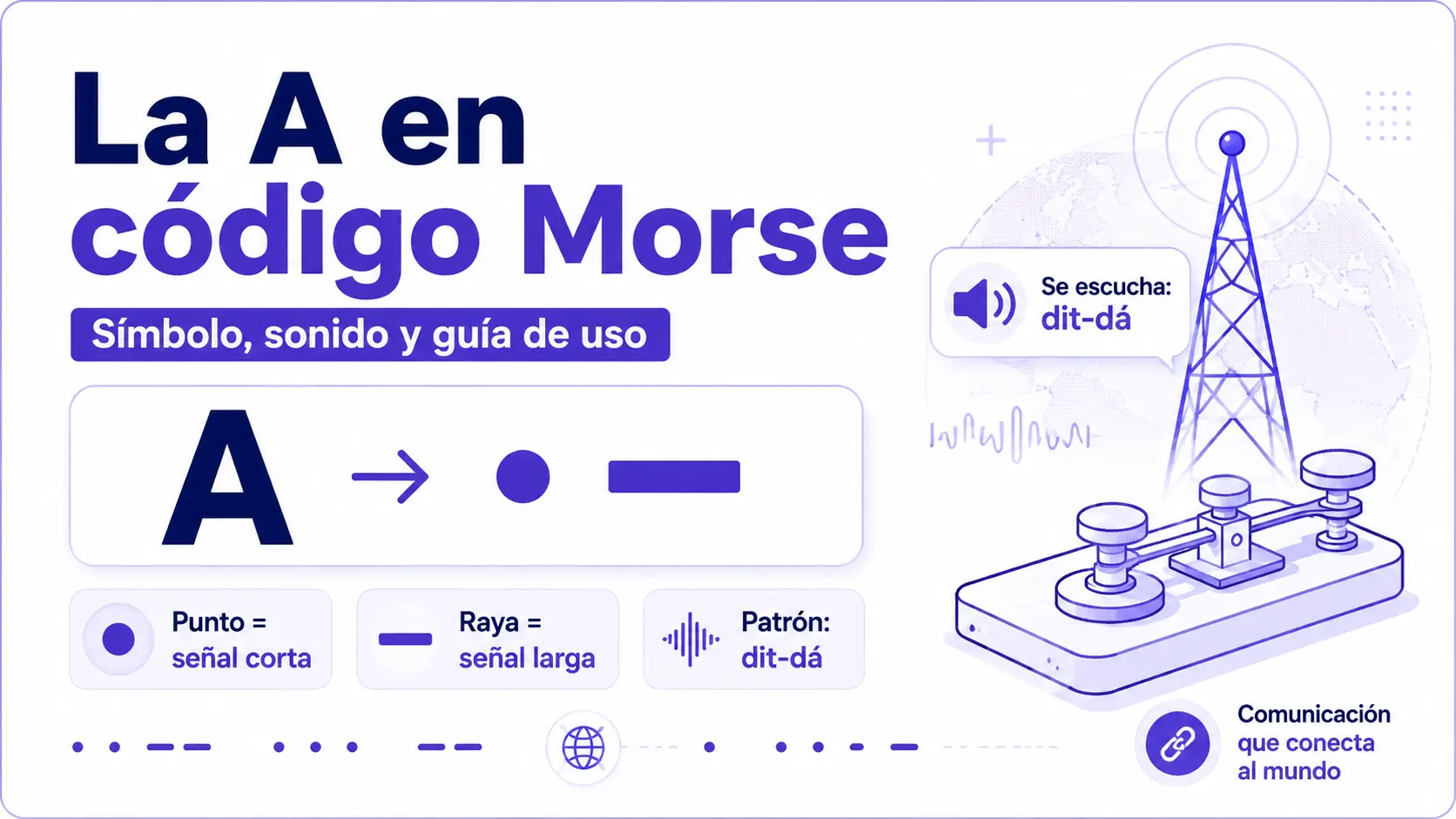
| A | · – | N | – · |
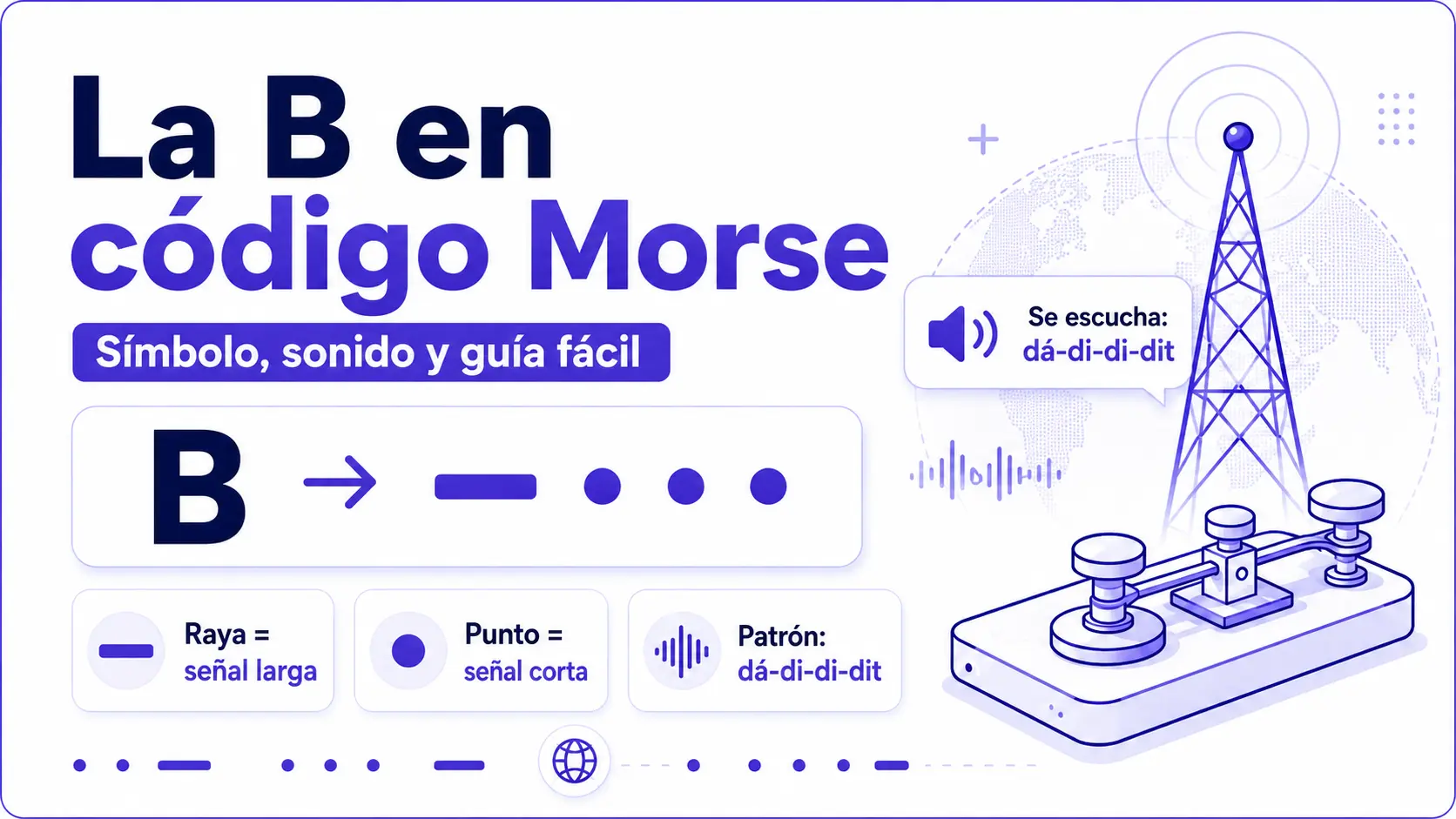
| B | – · · · | O | – – – |
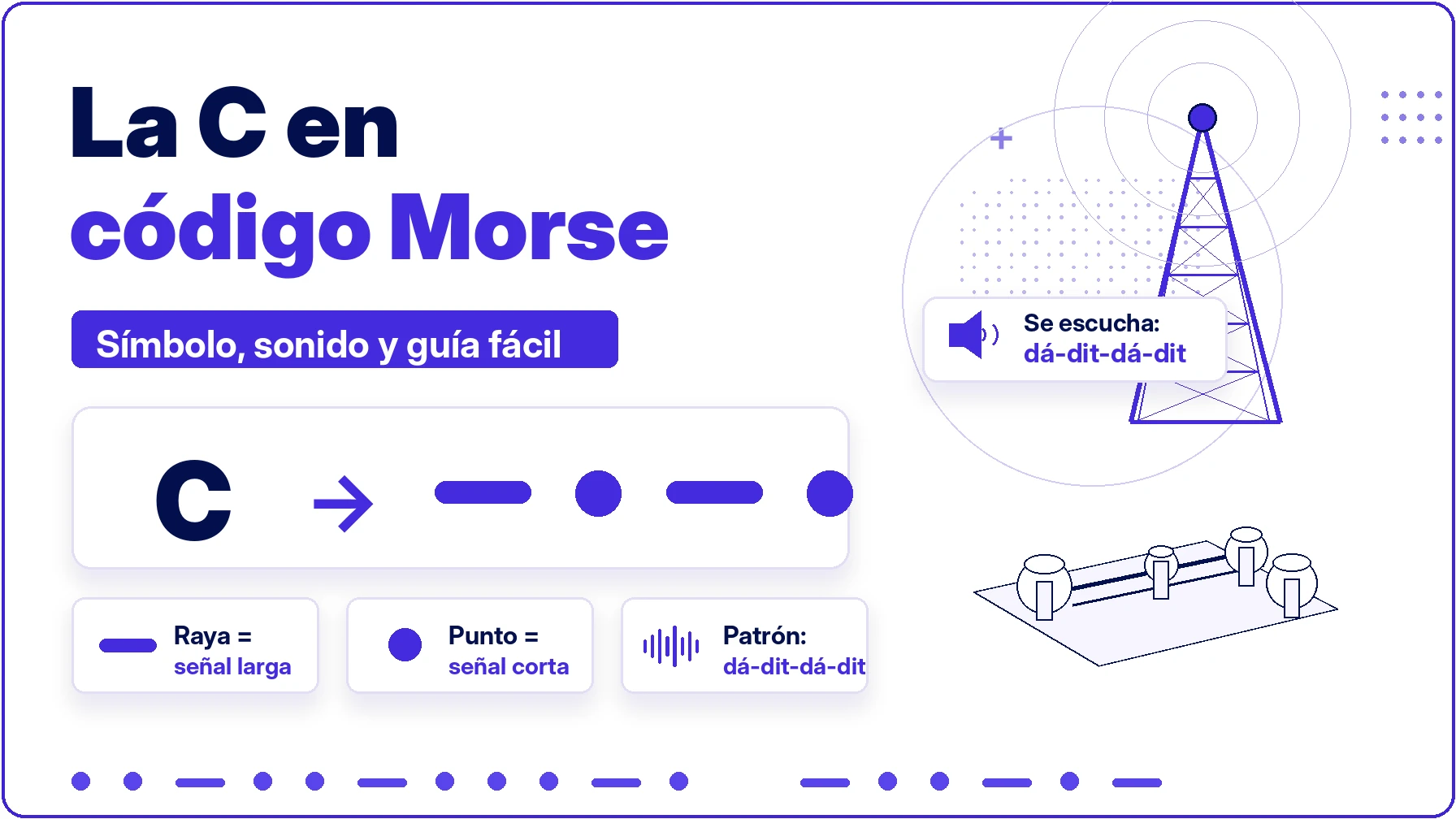
| C | – · – · | P | · – – · |
| D | – · · | Q | – – · – |
| E | · | R | · – · |
| F | · · – · | S | · · · |
| G | – – · | T | – |
| H | · · · · | U | · · – |
| I | · · | V | · · · – |
| J | · – – – | W | · – – |
| K | – · – | X | – · · – |
| L | · – · · | Y | – · – – |
| M | – – | Z | – – · · |
Numbers (0–9)
| Number | Code |
|---|---|
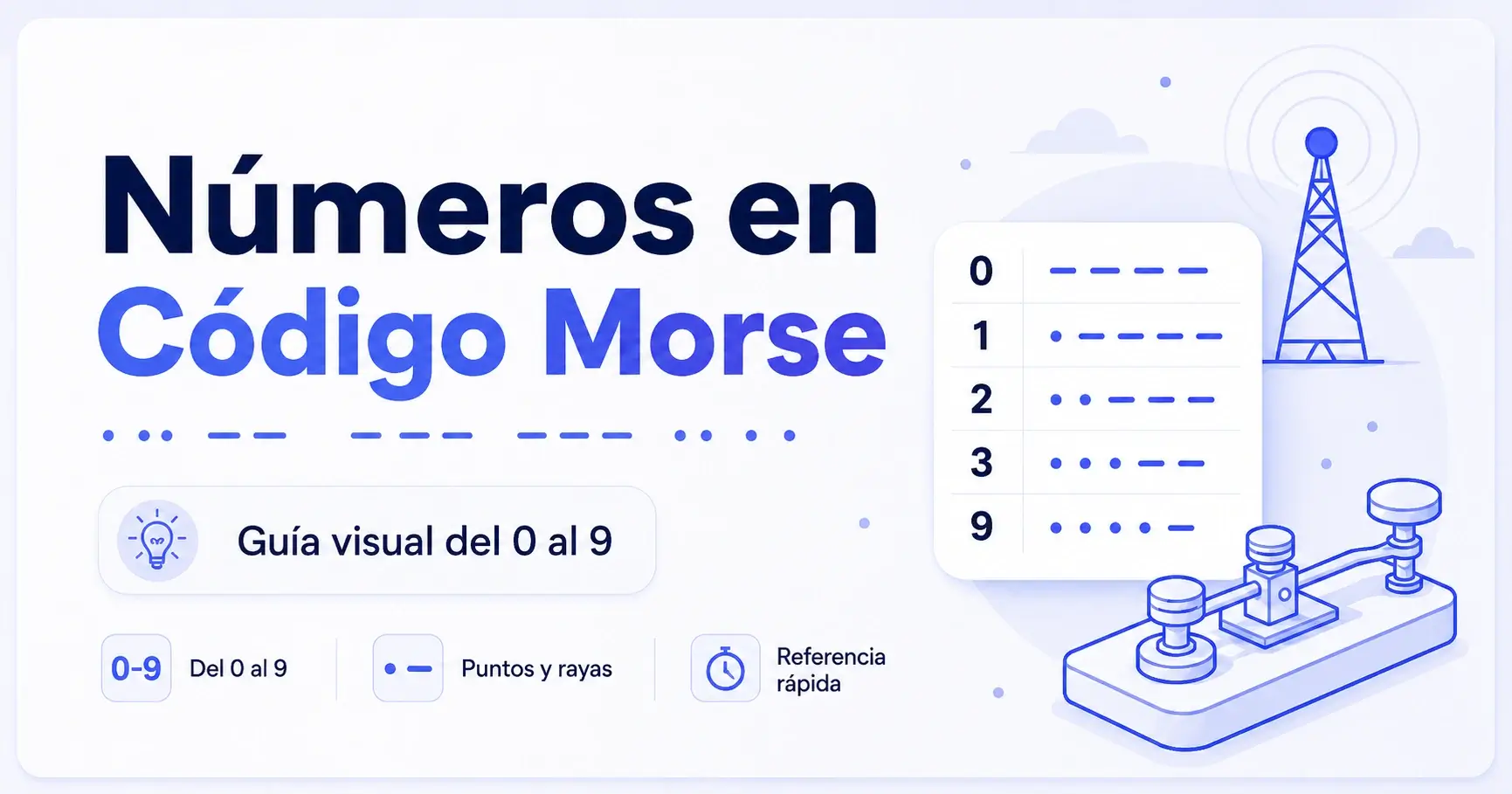
| 0 | – – – – – |
| 1 | · – – – – |
| 2 | · · – – – |
| 3 | · · · – – |
| 4 | · · · · – |
| 5 | · · · · · |
| 6 | – · · · · |
| 7 | – – · · · |
| 8 | – – – · · |
| 9 | – – – – · |
FAQs
Our Morse code image translator is simple, fast, and easy to use for anyone. This tool is helpful for quickly decoding clear Morse code images, screenshots, scanned notes, and printed examples.
- Free to use
- No signup
- Works on any device, including phones and tablets
- Quick and fast results
- Keeps your data private and secure
The Morse code image translator is an online tool that reads Morse code from an image and translates it into readable text. It gives you plain English text without requiring Morse code knowledge or manual typing.
Yes, the Morse code image translator is free to use.
Yes, you can upload a Morse code image and convert it into readable text.
The maximum supported file size is 5 MB per image.
Yes, you can decode the Morse code image into audio in two steps.
First, convert the image into readable text; then convert the text into audio beeps.
You can follow these steps to get your decoded text from an image:
- Upload your image and the tool will automatically convert it into text
- View the decoded text
- Download the result
Final Thoughts
Overall, a Morse code image translator tool is a useful tool for decoding Morse code from photographs, scanned documents, and printed materials. It saves time by detecting dots and dashes automatically and converting them into readable text.
Additionally, it serves a wide range of professional fields, such as educational institutions, maritime, navigation, and emergency communication. It offers the accuracy, reliability, and efficiency required for professional-grade results. This versatile tool handles real-world challenges and provides fast and accurate results.